What is VR? A clear guide to virtual reality
VR is not a screen you look at. It is a digital place you enter, with scale, depth and interaction around you.
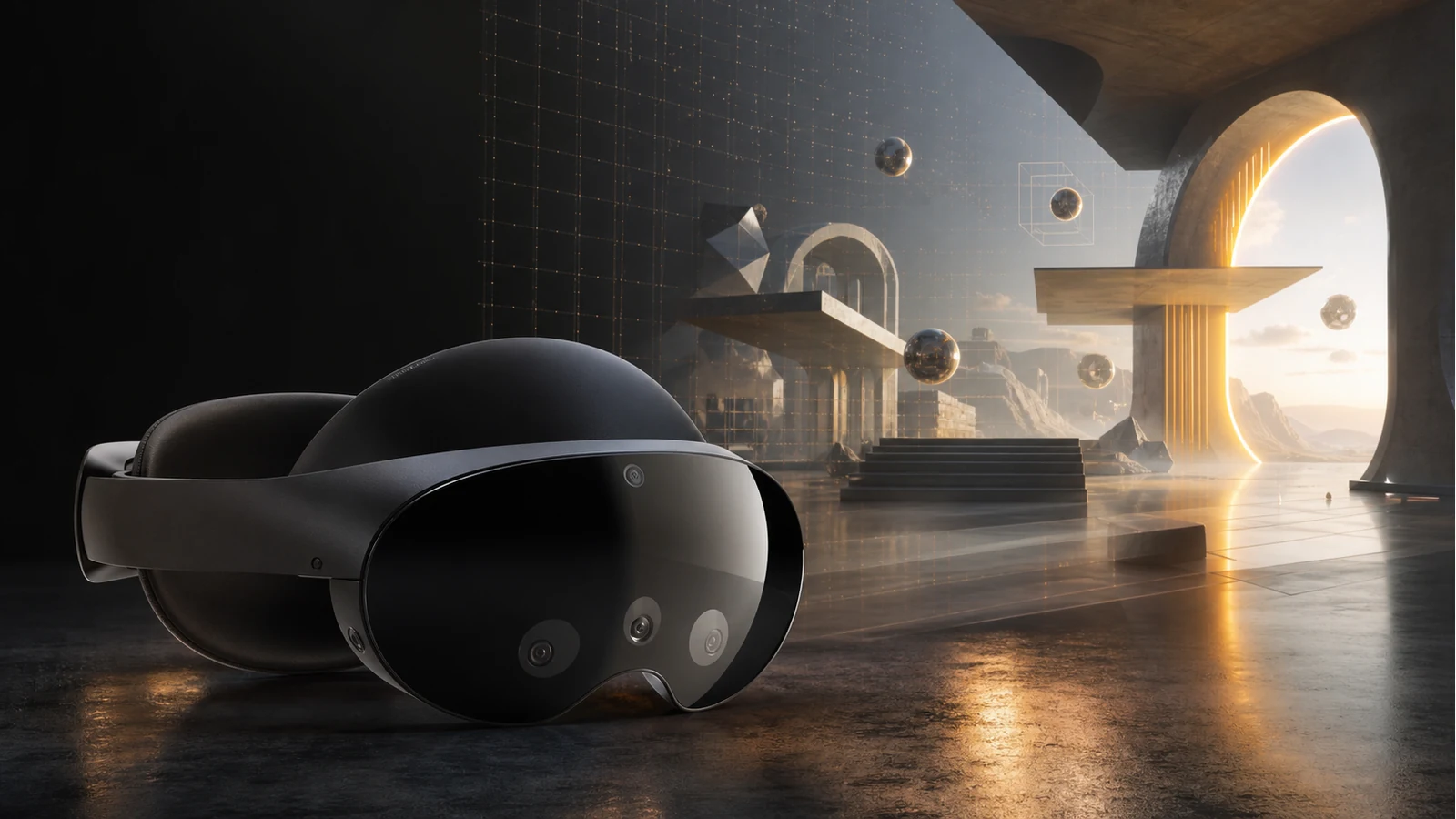
Virtual reality replaces the visible world with a simulated one. Put on a modern headset and your head movement, hand input and position change what you see, so the scene feels like a place rather than a flat screen.
How VR works
A VR headset shows a slightly different image to each eye, tracks your head, and updates the scene fast enough to preserve presence. Controllers, hand tracking, spatial audio and room-scale boundaries make the digital space respond to the body.
VR vs AR vs MR
VR fully immerses you in a digital environment. AR adds digital content to the real world. MR blends both more tightly, with digital objects aware of real surfaces, hands and depth.
What makes VR feel immersive
Scale, latency, interaction and comfort matter more than spectacle. A simple scene that feels stable, correctly sized and responsive is more convincing than a complex one that ignores the body.
Can VR run in the browser?
Yes. WebXR lets compatible browsers present immersive AR and VR sessions, depending on the device and browser support. That means some experiences can be distributed as links instead of app downloads.
How XR Designer fits in
XR Designer supports AR and VR authoring in the browser. You can compose scenes, add interactions, prepare assets and publish experiences without starting from code.
Build your next XR experience
Compose AR or VR in the browser, publish to a link and test the idea without starting from code.
Start building free